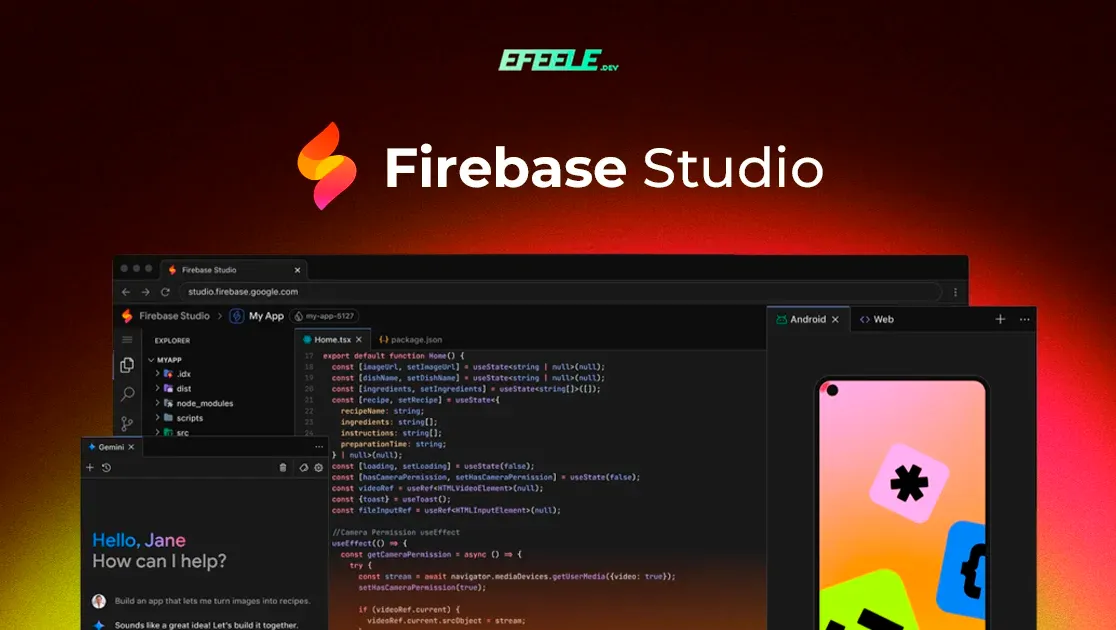
Firebase Studio: putting Google's cloud AI IDE to the test
Update, August 2026
Firebase Studio is shutting down. Google stopped allowing new workspaces on 22 June 2026, and the product shuts down completely on 22 March 2027, according to its official documentation. Apps that were already deployed will keep working and the rest of Firebase isn’t affected.
If you got here looking to try it, you won’t be able to anymore. I’m leaving the original text because it explains what the tool promised and where it fell short, and after what happened that second part reads differently. At the end I’ve added what I take away from all this.
If you’re looking for something to prototype quickly, that gap is now filled by editors with a built-in agent, like the ones I cover in Cursor and Windsurf (these days I use Codex, as I explain in this article), or by AI Studio if you want to stay with Gemini.
Google has just launched its own AI development environment, Firebase Studio. It’s the evolution of Project IDX, now with Gemini built in.
The idea is that you can create a complete app in a few minutes and deploy it without leaving the browser tab. Everything runs in the cloud, so there’s nothing to download or install, and it can’t be used locally either.
What I’ve used it for
I’ve been trying it out these past few weeks, mainly to help a couple of friends with prototypes of platforms for their universities. One needed a truck fleet management system and the other one for managing a gym.
For that it worked really well. From the first try I was surprised that it generated complete projects, and you can also tell it which technology to use: React, Next.js, Vue and so on. In a short time they had something clickable to show and to understand what logic each platform would need before building it for real.
Where it falls short
Creating projects is free for now, and if you want to try experimental versions of the models you can add your own Gemini API key. Right now gemini-2.5-pro-exp-03-25, gemini-2.0-flash and gemini-2.0-pro-exp are available.
It isn’t always smooth. That may be down to how much demand it has these days, and hopefully Google keeps improving it.
The biggest problem shows up when you want to publish the project: you have to link it to a Google Cloud account with billing enabled. The alternative is to copy the code and deploy it yourself, which is no big deal for someone with experience but can be a headache for someone who doesn’t know how to program.
My take
Firebase Studio is a very good option for getting prototypes quickly: a sketch to present an idea and understand the logic it will need before building it properly. That’s what it did for my friends’ projects.
But it isn’t yet an alternative for building quality software. Day to day I’ll keep using Windsurf, and when I need to show a working prototype quickly, I’ll probably open Firebase Studio again.
What I take away, looking back from 2026
Firebase Studio lasted eleven months between its launch and the announcement that it was closing. I think it leaves a few lessons that will repeat:
- Prototyping with AI in the cloud was the easy part. The hard part was going from prototype to something you could deploy and maintain, and the product never quite got there. I already sensed that when I wrote this, and it turned out to be the underlying problem.
- Be careful about building your way of working on a beta product from a big company. Google has a long history of shutting services down, and an IDE that only exists in the cloud is exactly the kind of tool you can’t take with you when it’s switched off.
- “Copy the code and deploy it yourself” stopped being a minor detail: it ended up being the only way out.