AI inside the editor: what changed when I tried Cursor and Windsurf
Update, August 2026
I wrote this in March 2025, and a few things have changed since:
- Windsurf is now called Devin Desktop. Cognition, which bought Windsurf, renamed it on 2 June 2026 and folded it into its Devin brand. It arrived as a normal editor update, and plans, pricing, extensions and shortcuts all stayed the same.
- Cascade was renamed Devin Local and rewritten from scratch in Rust. Cascade stayed available until 1 July 2026 as a migration period.
- Cursor is on version 3 (April 2026), with its own agents window and its Composer model.
- Prices have converged: since early 2026 both sit around 20 USD a month on the individual plan.
Something changed for me too: I don’t use either of them anymore. I went back to VS Code and use Codex, because it gives me more context across the whole project folder. With Windsurf I sometimes noticed it took a while to think and to figure out where it needed to look. I haven’t opened Devin in a long time and it’s probably still very good, but I wouldn’t go back.
Everything below is as I wrote it in 2025. Wherever you read “Windsurf”, think “Devin Desktop”.
Until early 2025, my way of using AI for programming was GitHub Copilot for autocomplete and ChatGPT in another window for everything else. It worked, with one constant problem: every time I asked ChatGPT something, I had to explain the project, paste the relevant files and describe how they related to each other.
For the past few weeks I’ve been using Cursor and Windsurf, two editors based on VS Code with AI built in. What changes is that the AI sees the whole project: the structure, the dependencies, how the components connect. I don’t have to explain it anymore.
That’s not a knock on ChatGPT, which I still use. It just isn’t made for editing code, and that shows as soon as a problem spans more than one file.
The file that convinced me
I had to modify a very old website. One file rendered a long list of cards by hand, each with quite a bit of content, all written one after another in the HTML. Adding anything to it was a pain: there were badly closed or unclosed tags, duplicate IDs, and indentation that made it hard to see where each card started and ended.
I did it in two steps.
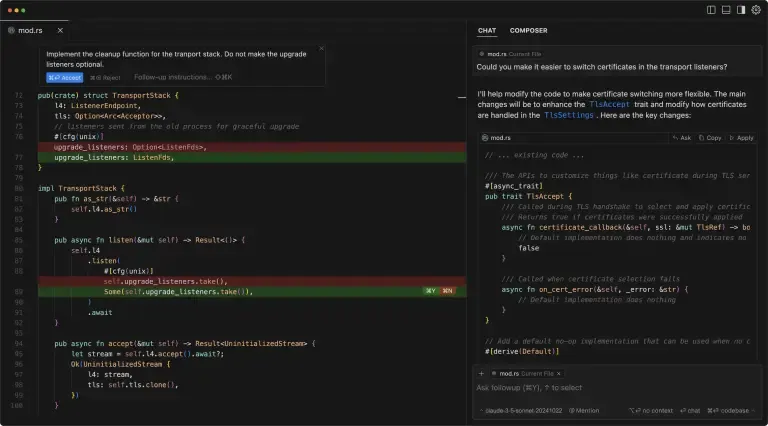
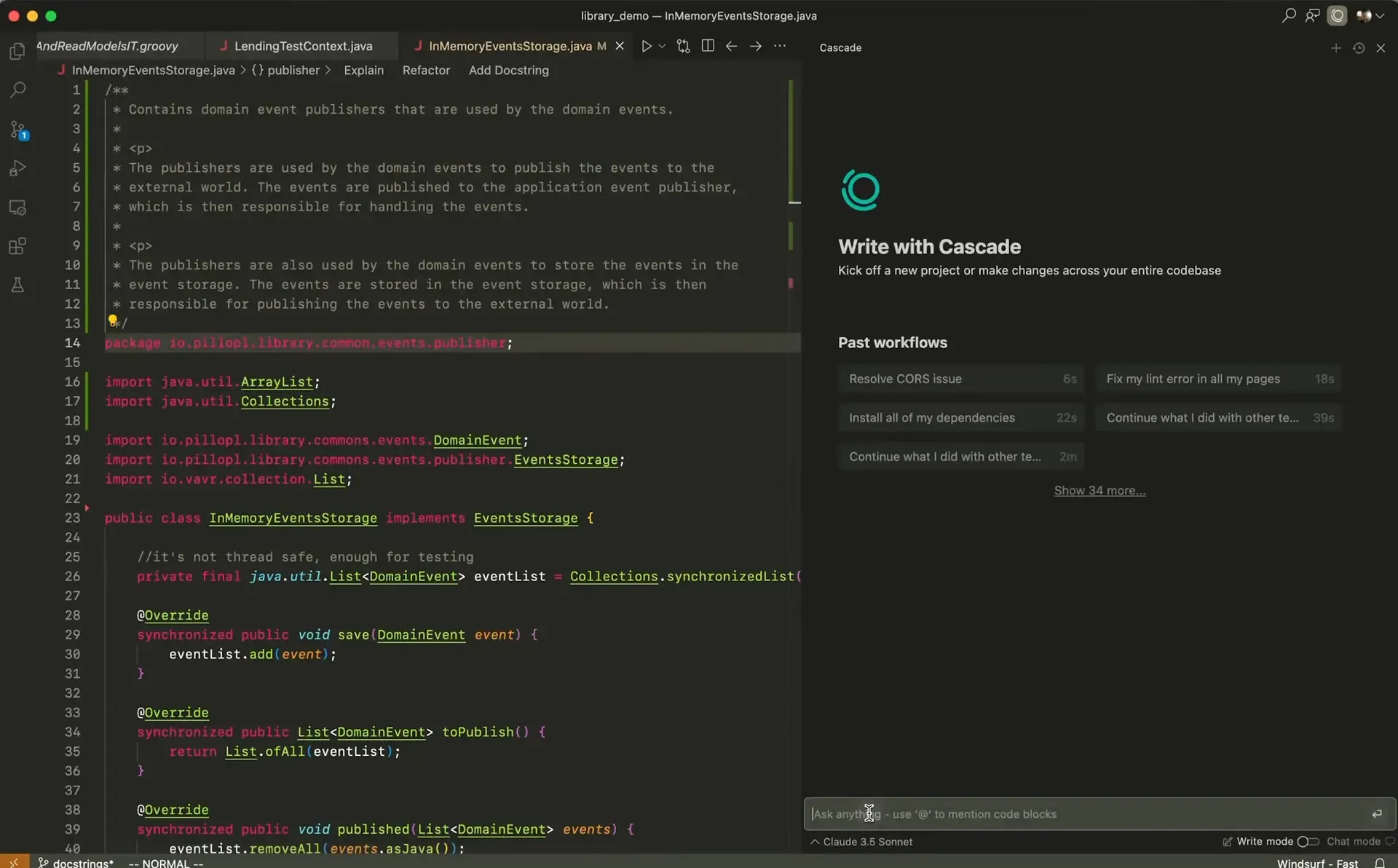
First, the cleanup. I fixed the first card by hand, and from there the autocomplete started suggesting the same kind of fix on the following ones. Instead of reviewing every card, I kept accepting suggestions and checking that they made sense. Meanwhile I asked Cascade (Windsurf’s agent chat) to review the file, and it pointed out the broken closing tags and several SEO errors I wasn’t even looking for.
Then, with the file clean, I changed the structure: instead of repeating each card’s HTML, the cards are generated in a loop from data that lives in another file. Adding a new card went from copying and pasting a huge block to adding an entry to a list.
It isn’t a hard task. Anyone with some experience knows how to do it. But with the number of lines that file had, doing it by hand would have taken me far longer than it did this way.
What I actually use
Of everything these editors promise, what I’ve really used over these weeks is fairly little, and it’s what has helped me most:
- Autocomplete that understands the pattern. Copilot already autocompleted, but here the suggestion takes into account the change you just made. Fix something in one place and it offers the same fix in the next.
- A chat that sees the whole project. Being able to ask “what’s wrong with this file?” or “where is this used?” without pasting anything is what saves me the most time.
- Choosing the model. Both let you pick which model to use, so you can reach for a more capable one, like Claude 3.7 Sonnet, when the code is tangled, and a lighter one for routine work.
Cursor or Windsurf?
Right now I have both installed and I’m leaning towards Windsurf, mostly because of Cascade, which is what I used to clean up that file. I like Cursor, but I don’t have a clear reason yet to settle on just one.
They aren’t the only options either: there are others like Cline or Trae, and more will surely come. My plan is to keep testing for a few more weeks and stick with whichever fits the way I work.
If you haven’t tried any of them yet, my advice is to start with something like what happened to me: a file or small project you know well that has repetitive work pending. That’s where you’ll quickly see whether it saves you time or not.